


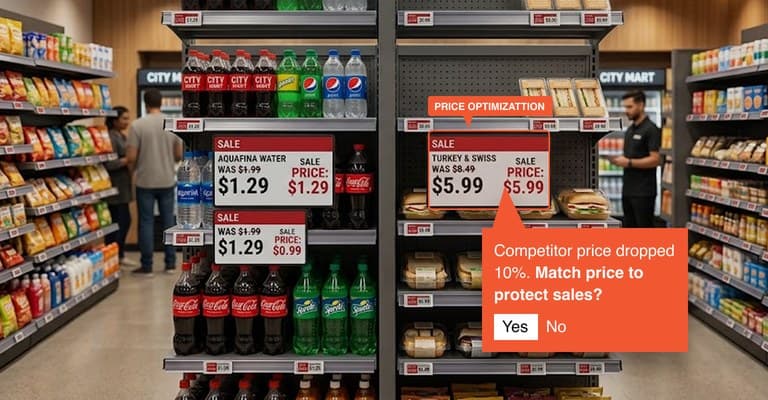
Retail AI Agents
Explore AssistantProfit & Cash AI agent
Identifies margin and cash-flow opportunities to improve profitability and working capital.
Ithina Command provides the operational interface between intelligence and execution turning Maestro’s decisions into controlled, accountable action across the enterprise.
100k
Actions / Hour
1s
System Response
8 Yrs
Device Life
2.4GHz
Wireless Connectivity
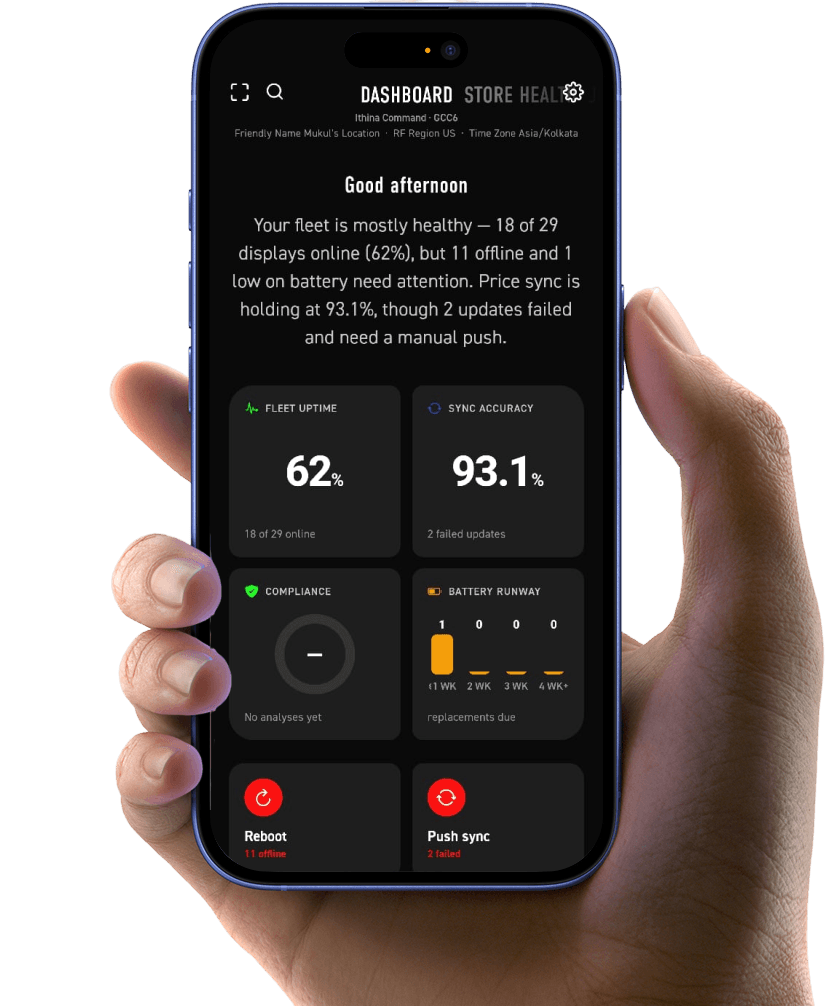
Ithina Command provides the operational interface between intelligence and execution.
Maestro analyses available operational signals, context and business conditions to determine the appropriate course of action.
Command applies the required business rules, permissions, approval thresholds and operational controls before an action is released.
The approved instruction reaches the appropriate person, enterprise system, application or physical endpoint.
Human-in-the-loop
Not every operational decision should be automated. Some decisions require human judgement, approval or accountability.
Ithina Command supports a human-in-the-loop model in which Maestro can surface a recommendation, provide the reasoning and context behind it, and route the decision to an operator for approval before execution.
For workflows that can operate autonomously, Command can also support controlled automation where actions execute within predefined business rules and operational boundaries.
How it works
Assign
Map a specific product to an electronic shelf label by scanning the ESL and associating it with the corresponding product identifier. This establishes the product-to-device relationship required for accurate price, promotion and product information updates.
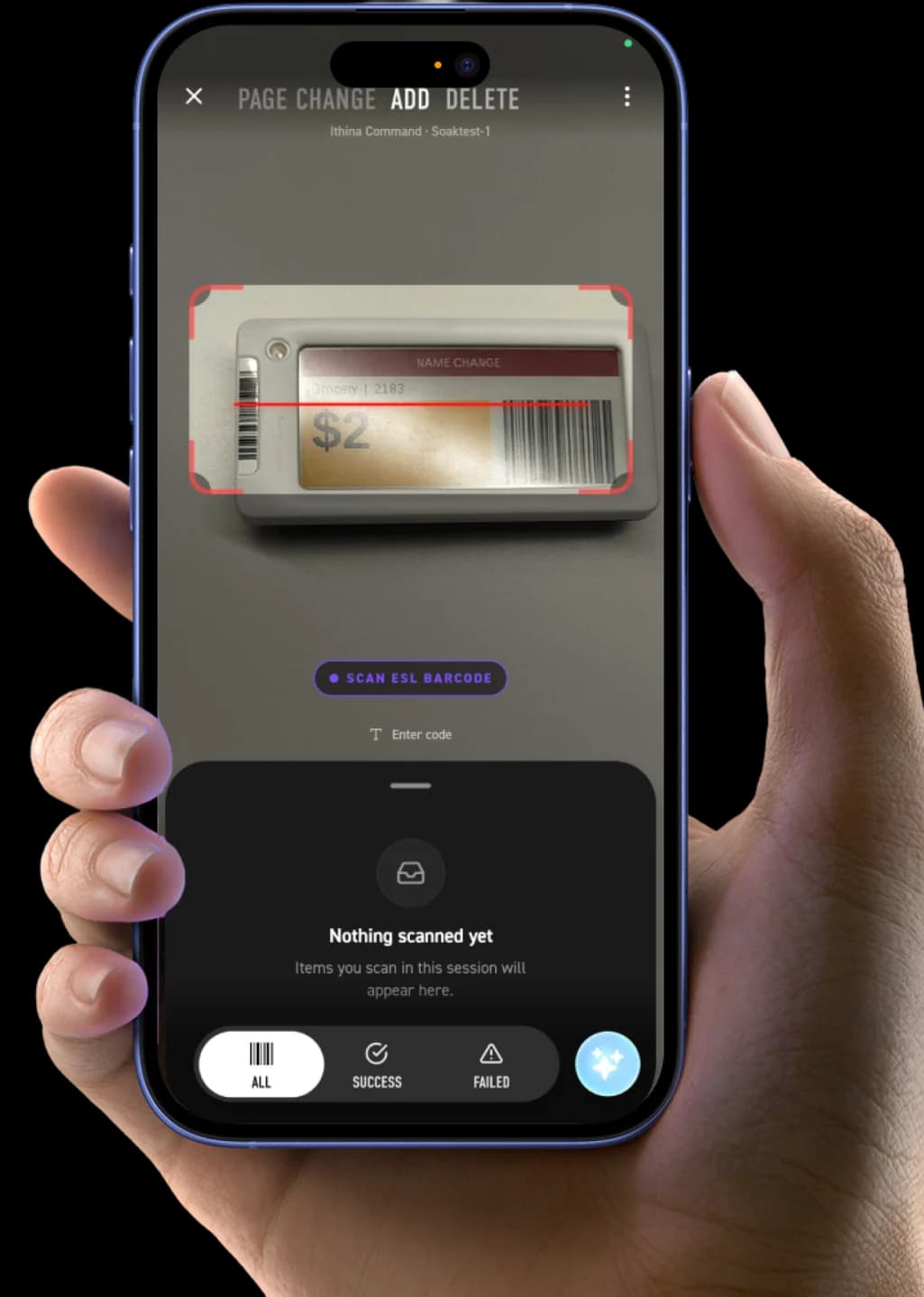
Add
Register an ESL within the store environment and establish its operational association with the Command system. Each device can be identified and managed based on its store, location and assigned product, creating a structured digital representation of the physical shelf.
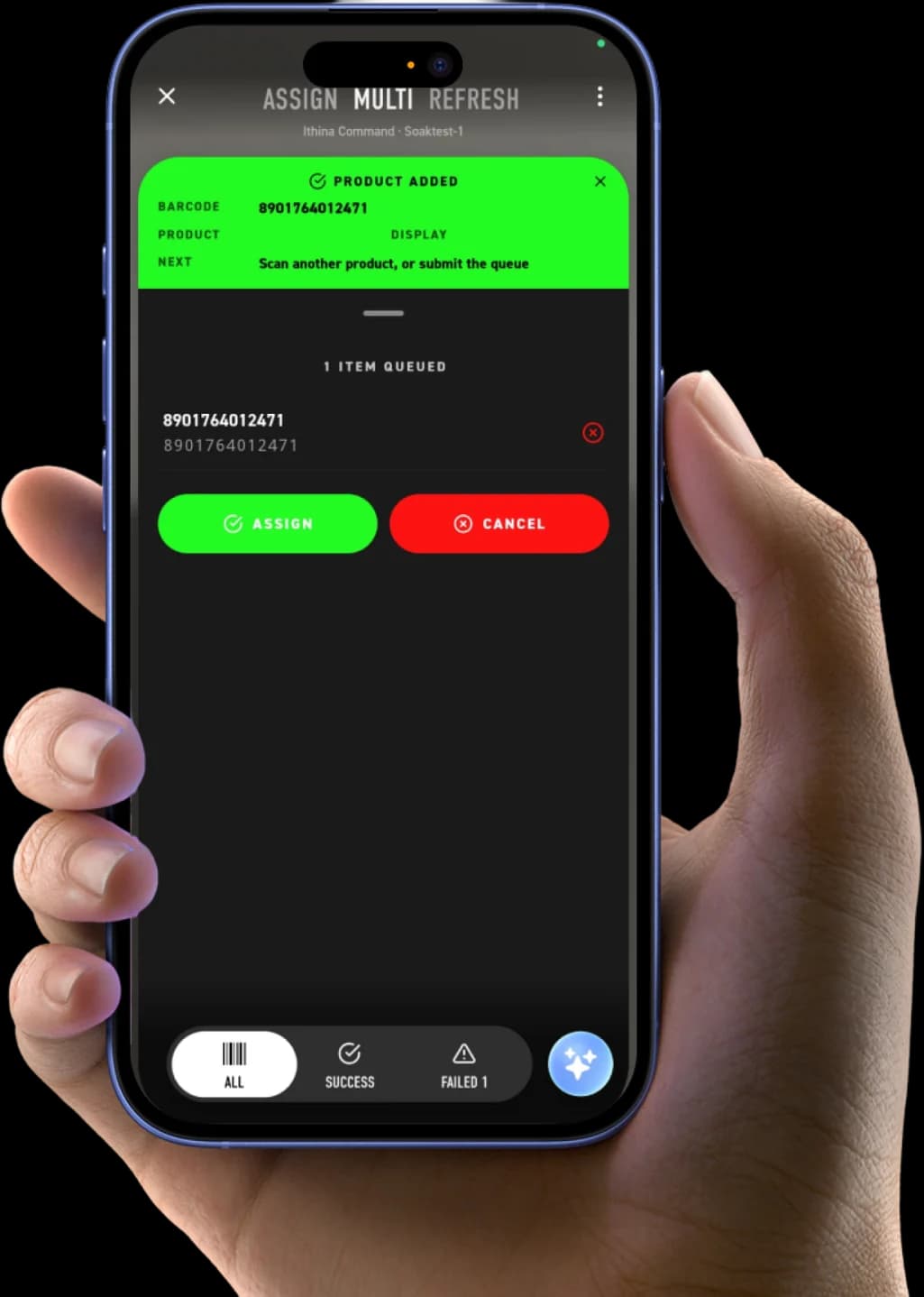
Multi assign product
Process multiple ESL assignments through a single operational workflow. Products can be scanned and queued before assignment, reducing repetitive device configuration and enabling faster deployment across high-volume store environments.
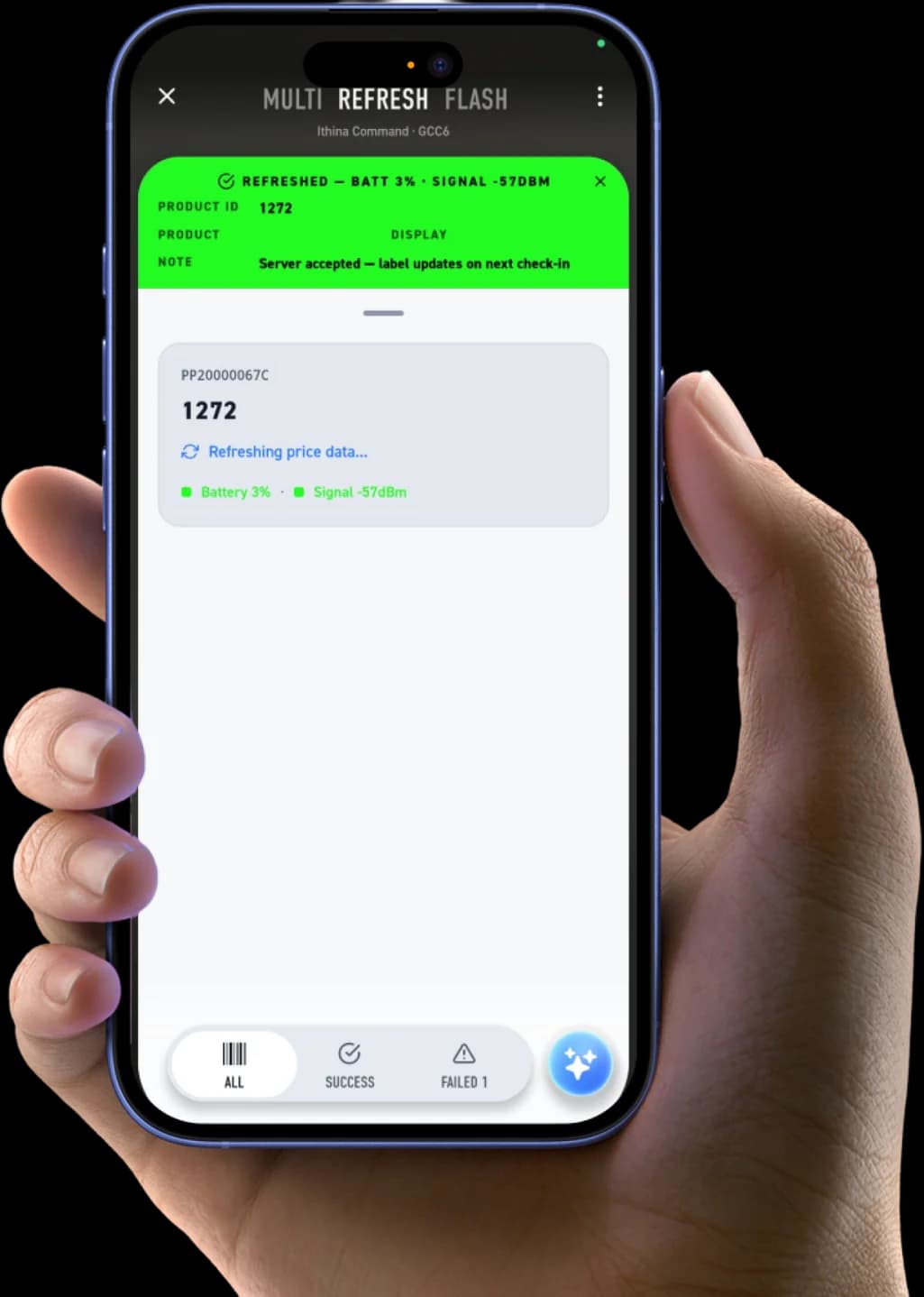
Refresh ESL
Push updated information to connected ESL devices and monitor the refresh response. Command manages the communication between the system and the physical labels, allowing operators to execute updates while maintaining visibility into device status and synchronisation.
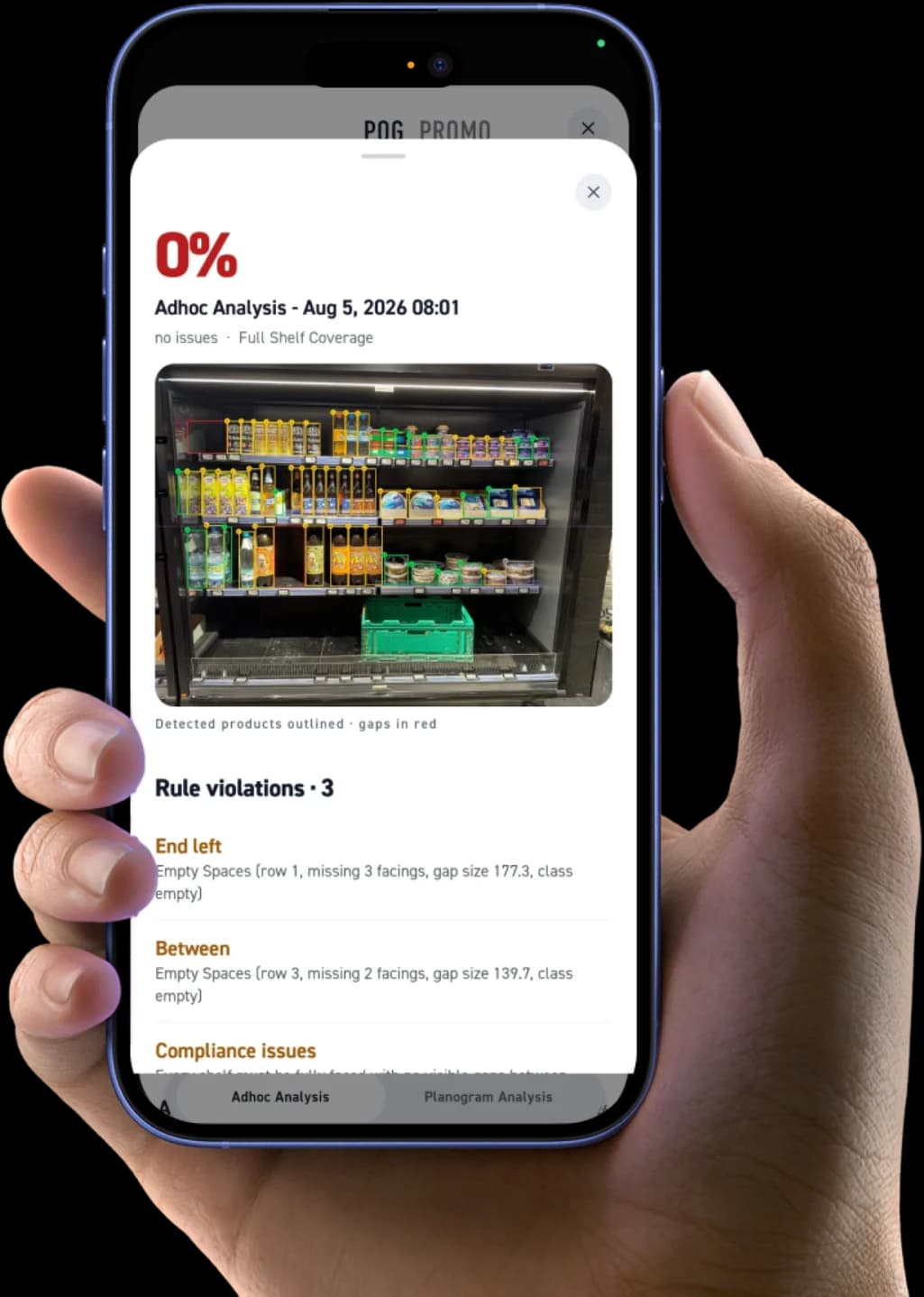
Access Agentic AI solutions
Connect operational execution with Maestro’s Agentic AI capabilities. Recommendations generated from business and operational signals can move through defined controls and approvals before being executed through the appropriate system, device or operational endpoint.
Built for the store floor
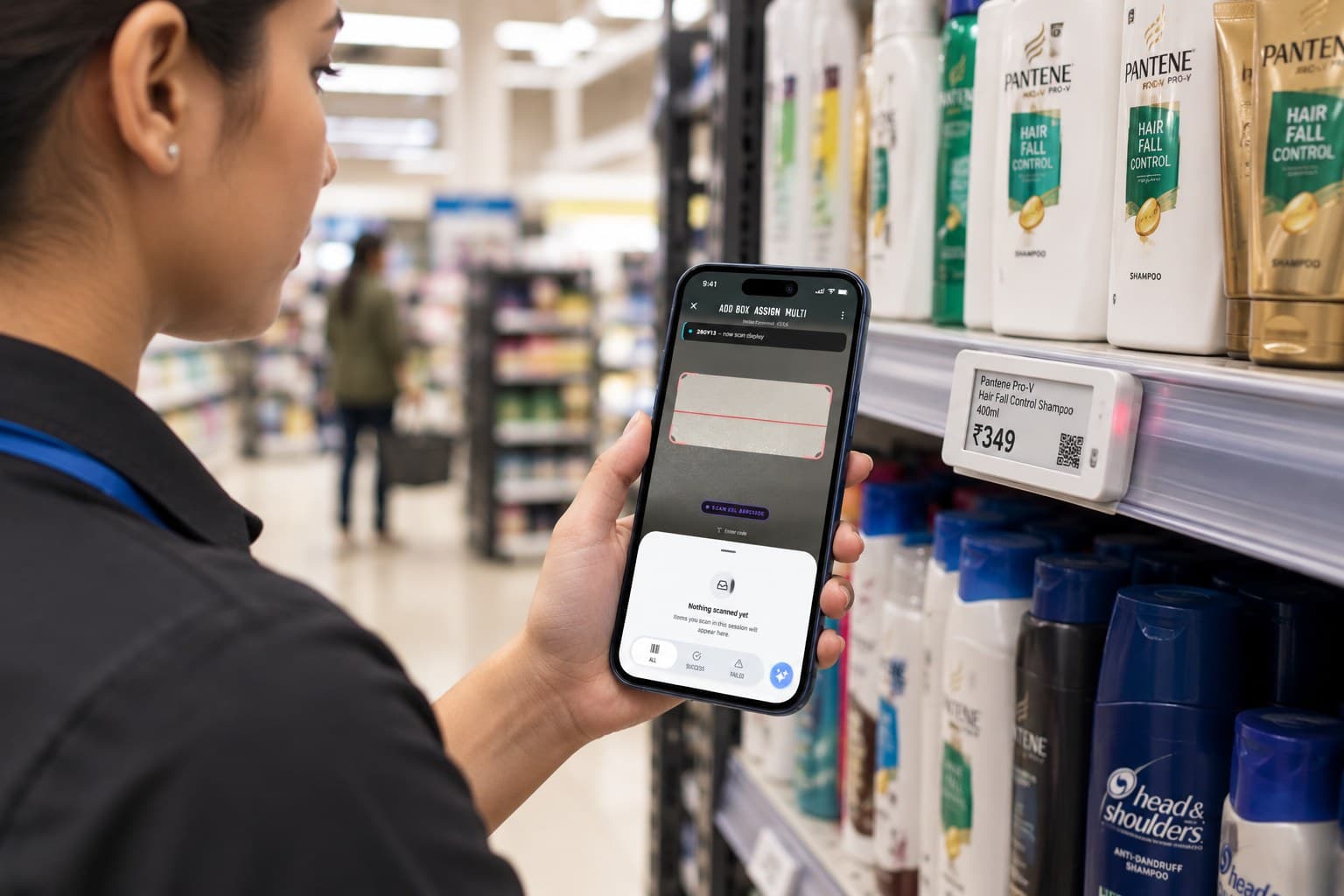
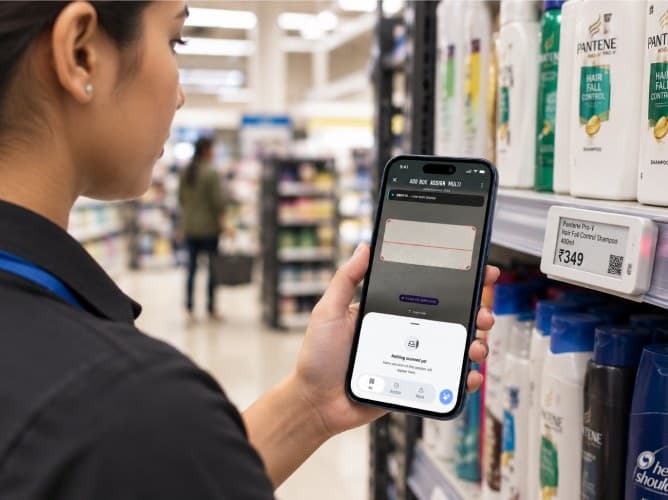
Use the Command app to scan an ESL, identify the device, and quickly assign it to the right product and shelf location.
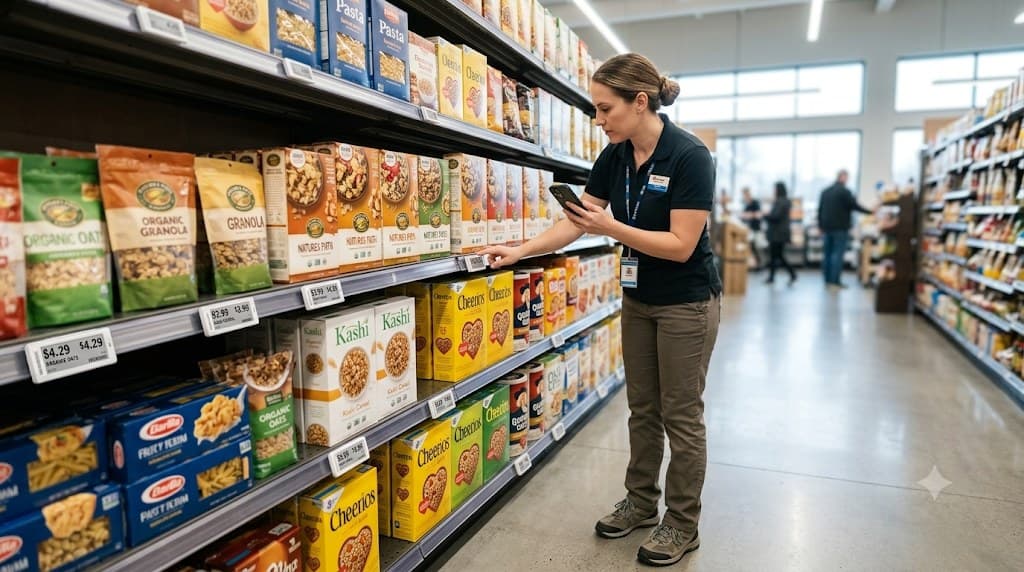
Create an accurate connection between ESL → SKU → Shelf → Store location, making every physical display identifiable and manageable.
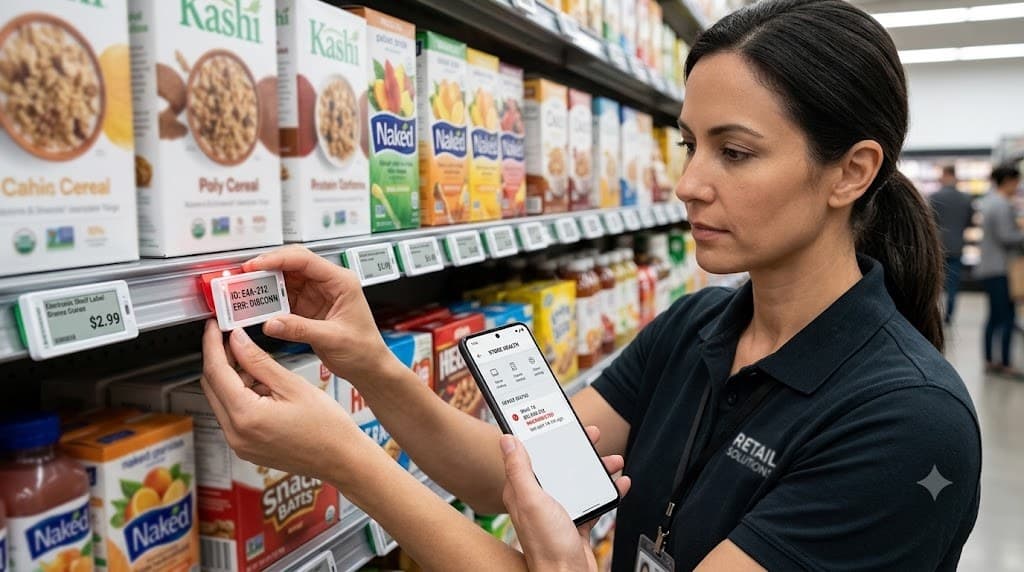
Identify unhealthy, offline, low-battery, or incorrectly connected ESLs and resolve issues directly from the store floor.
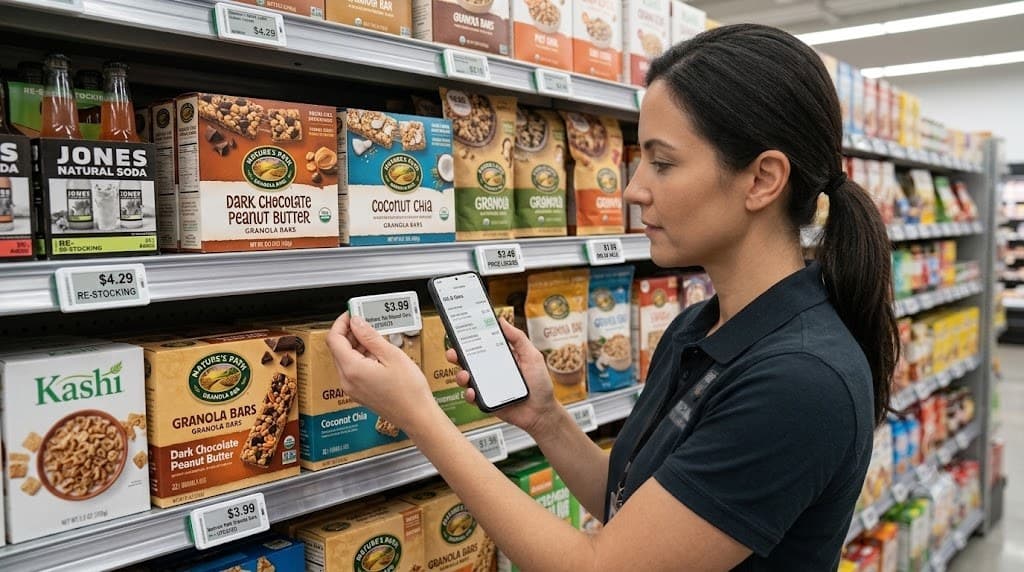
Publish pricing, promotional and product-content changes to ESLs and verify that the correct information is displayed.
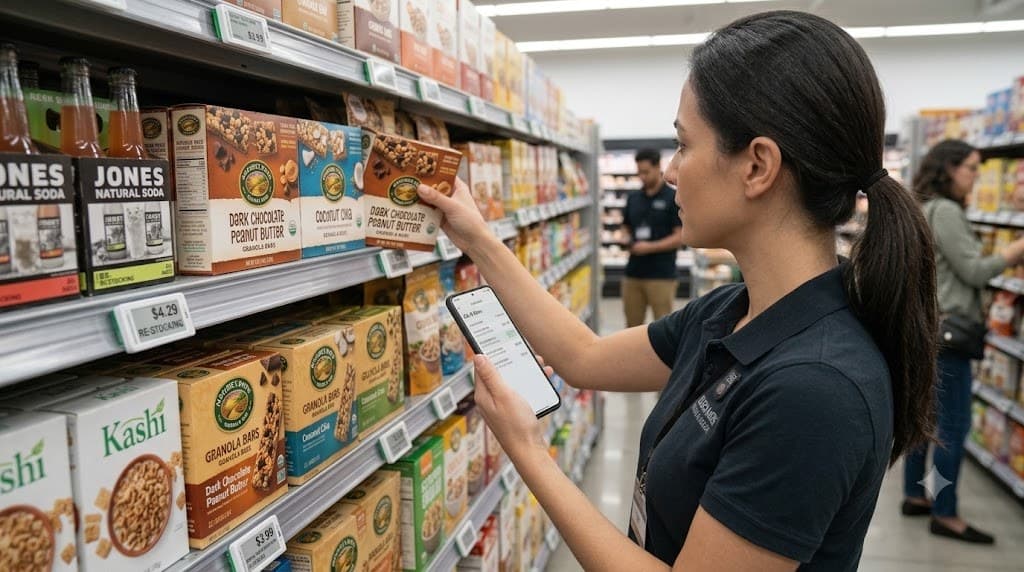
Turn operational recommendations into physical actions — replenish products, correct pricing, replace devices, or resolve shelf exceptions.
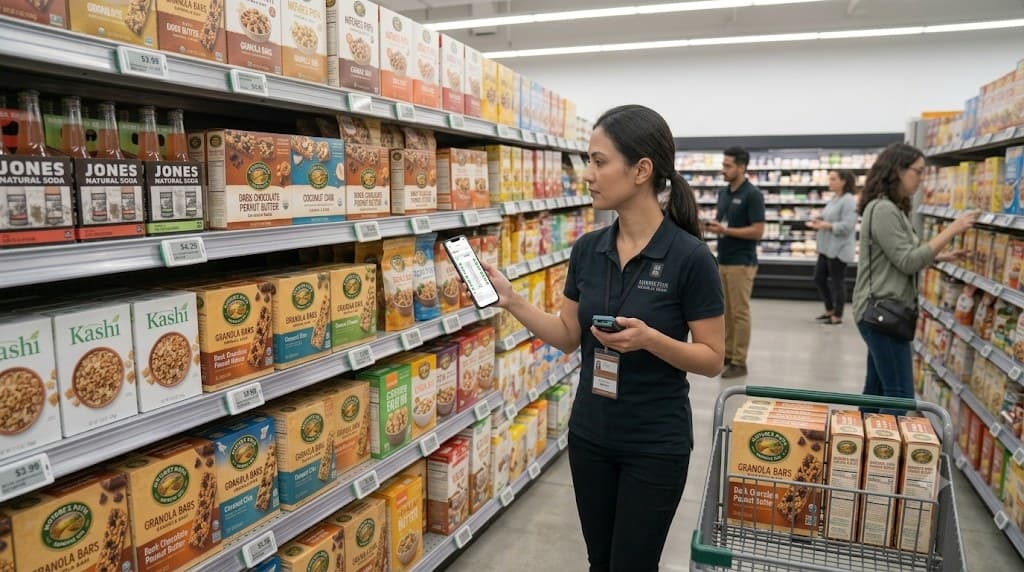
Scan shelves to confirm that the right product, price, ESL and placement match what the store is expected to execute.
Agentic AI
Maestro does not operate as an isolated intelligence layer. Through Command, its agents can participate in operational workflows while remaining bounded by defined controls, permissions and execution rules.
Identifies margin and cash-flow opportunities to improve profitability and working capital.
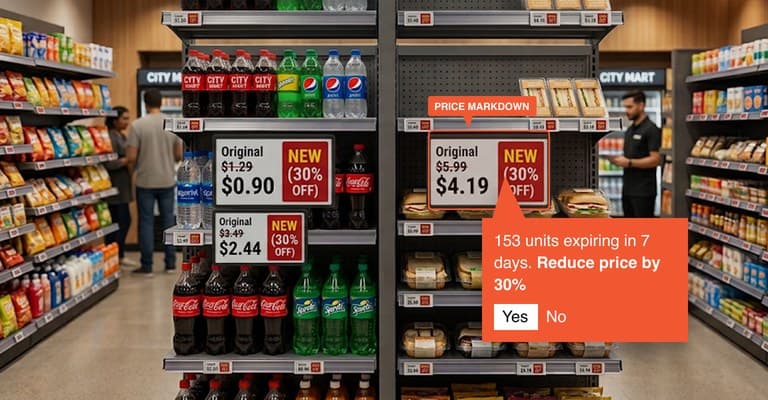
Predicts demand, reduces waste, and optimises restocking of perishable inventory.
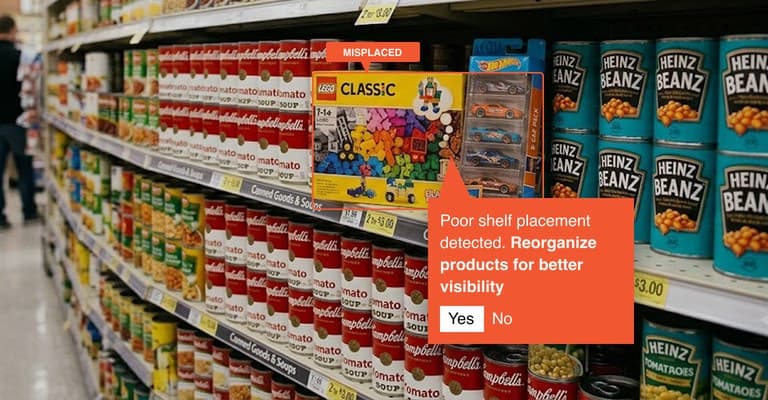
Optimises shelf layouts and ensures planogram compliance for better product visibility and sales.
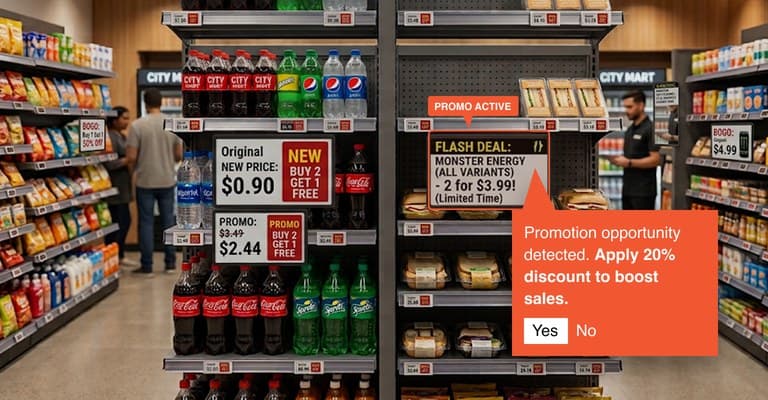
Uses shelf intelligence to identify planogram issues and support corrective action.
ESL
Ithina Command extends intelligence into the physical store through connected electronic shelf labels. Using the appropriate RF technology, deployments can be matched to store layout, coverage and performance requirements.
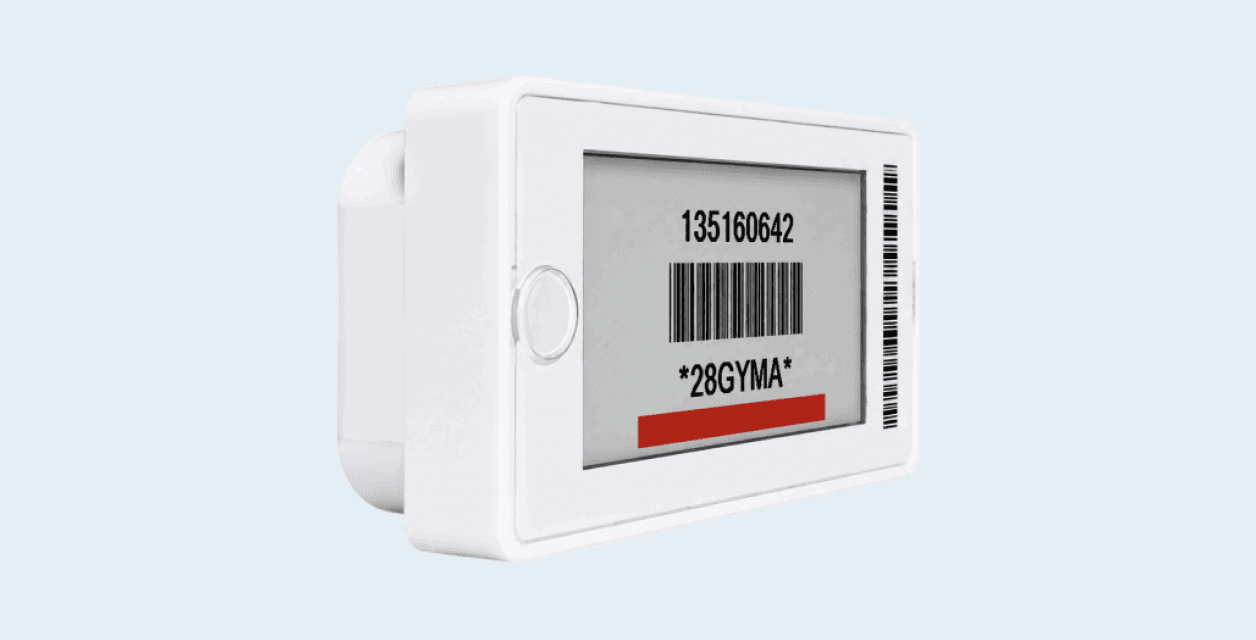
P Series · 2.4 GHz
Designed for high-frequency operational updates where speed and system responsiveness matter.

C Series · Sub-1 GHz
Designed for environments where communication range and low-power operation are critical.
Contact us